05 / 06
Optimising educational trip planning for schools across Australia.
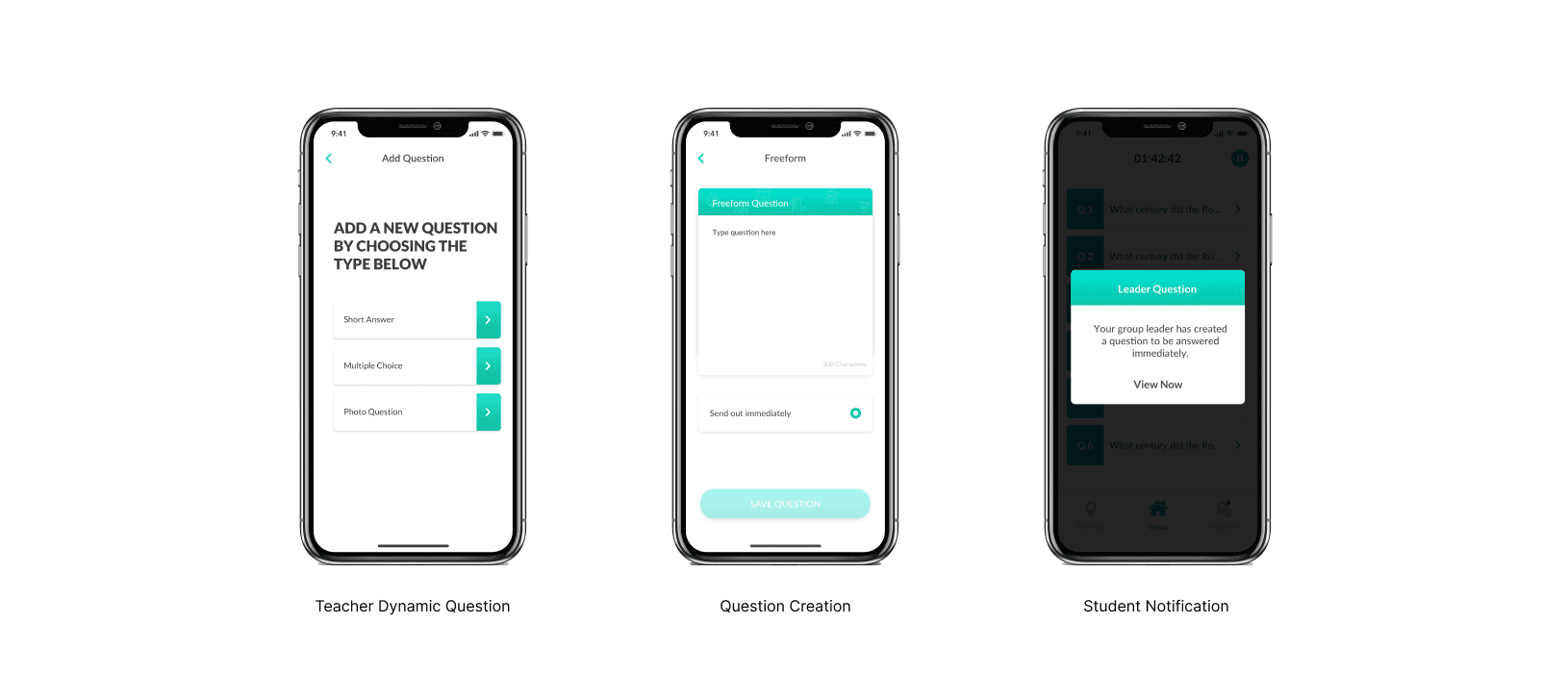
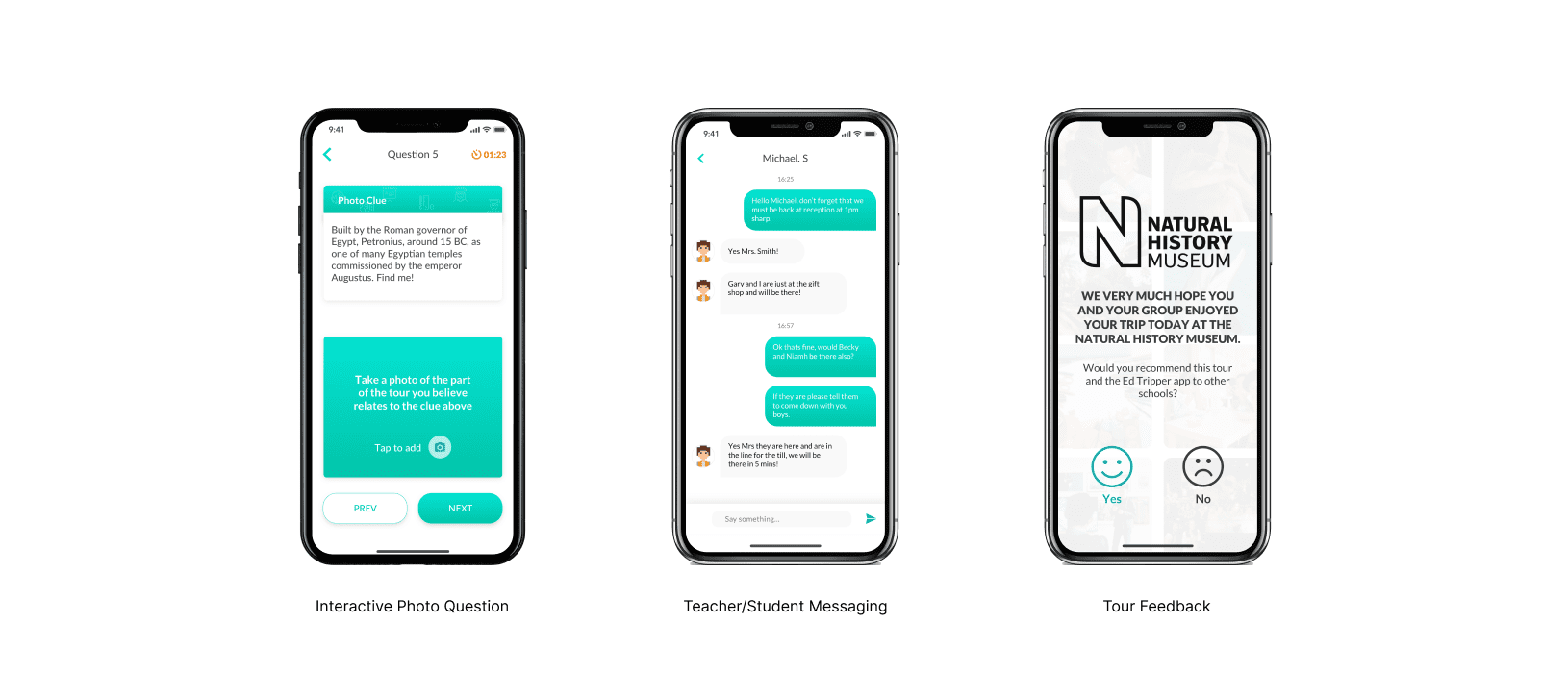
Working with schools and museums in Australia, we set out to improve how teachers and students interact during educational trips — not the admin of permissions and logistics, but the experience on the ground and how digital tools could deepen learning.
Engage six-year-olds and sixteen-year-olds on the same trip.
Early research showed plenty of tools for booking and organising trips — permissions, logistics, admin. We focused on interaction during the trip itself. Integrating diverse data sources (transport, venues, educational content) into one platform was complex. Keeping students and educators engaged required balancing functionality with an intuitive, attractive design.
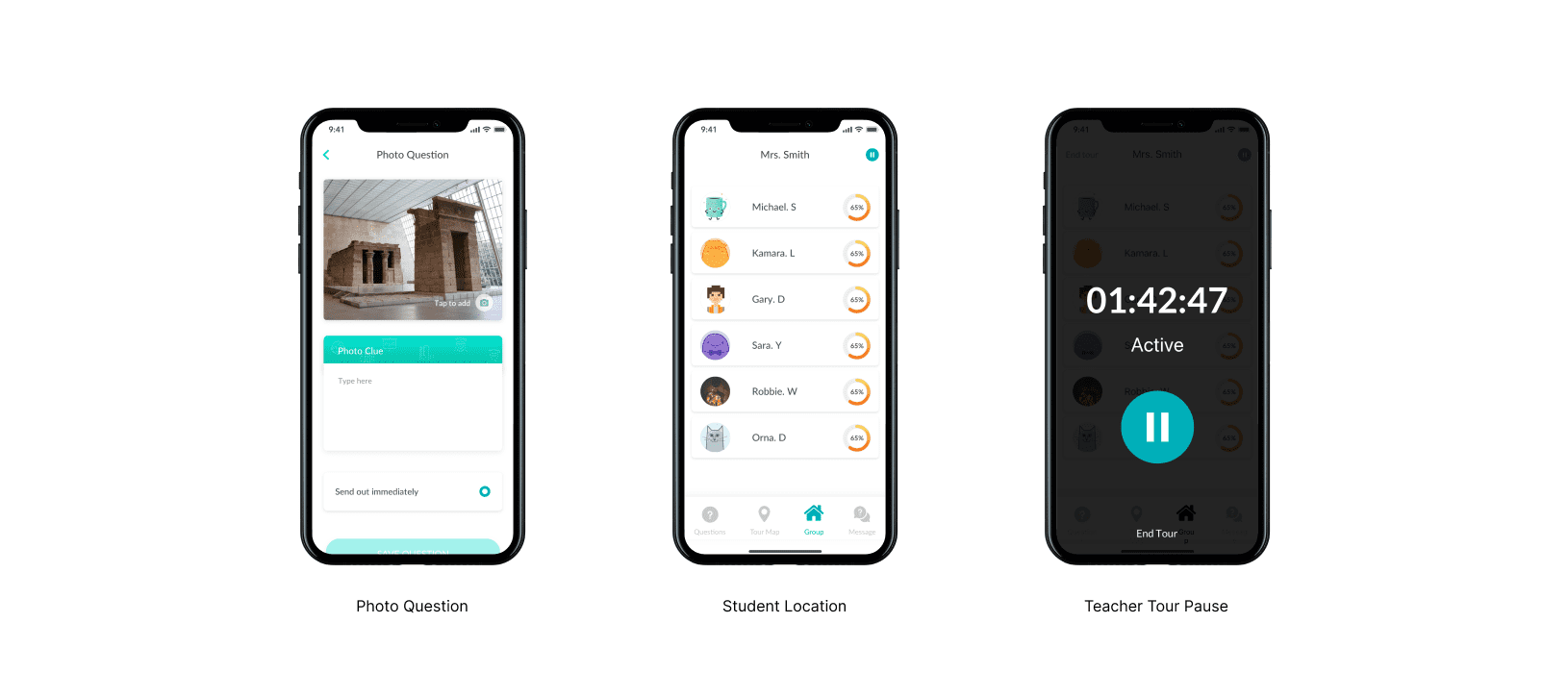
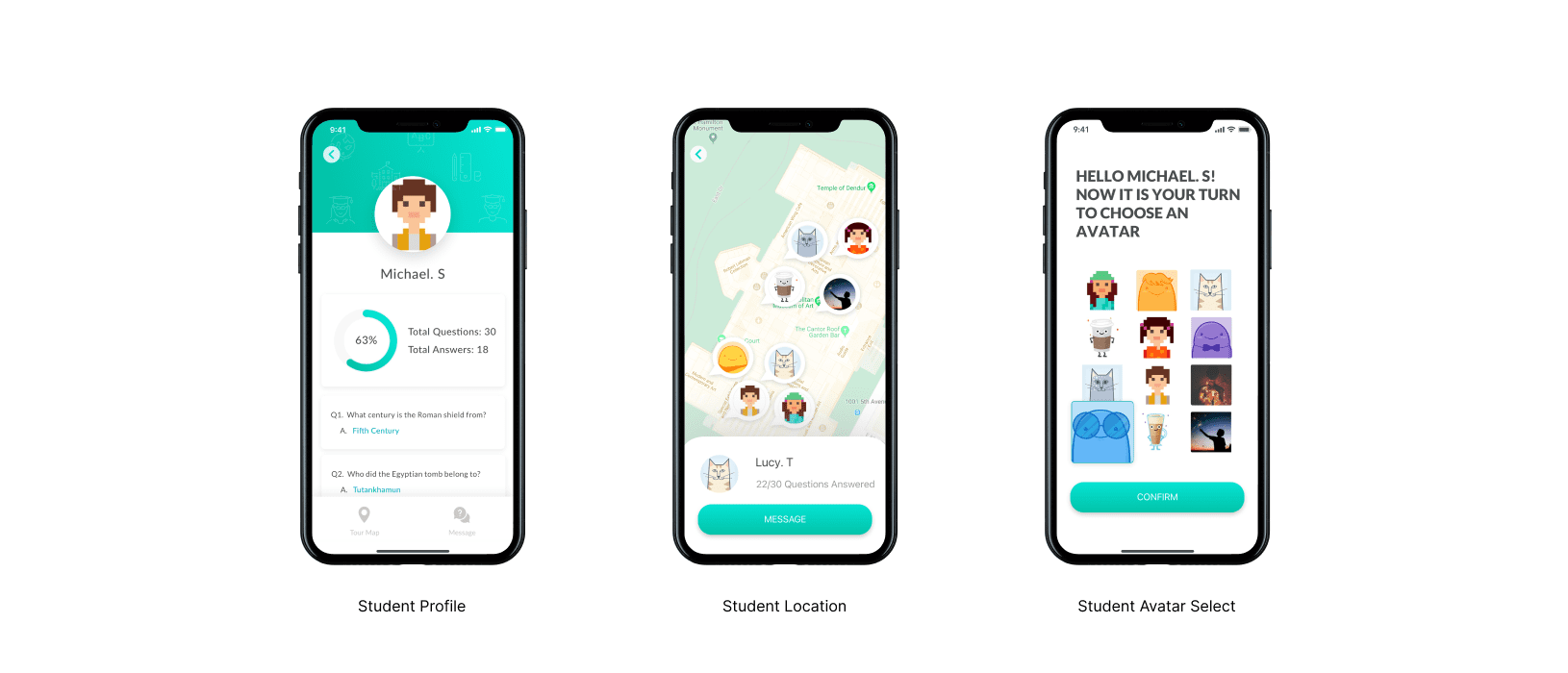
Student location was a critical safety feature. Initial GPS accuracy was poor — locating students within a broad area created safety concerns. Further research identified Bluetooth as a more precise solution, accurate within a couple of metres, with alerts when students moved outside a designated radius.
Research into how trips actually work.
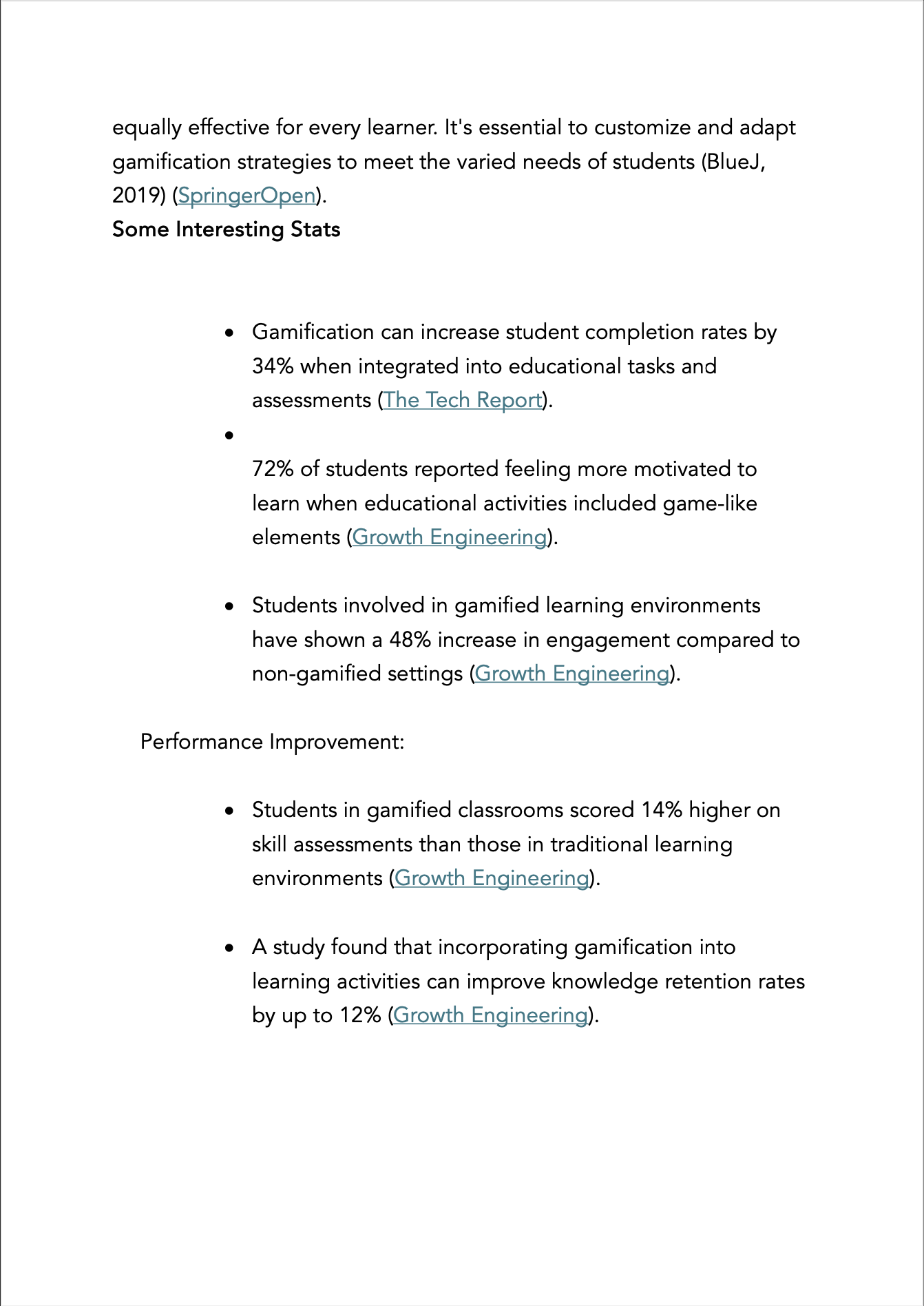
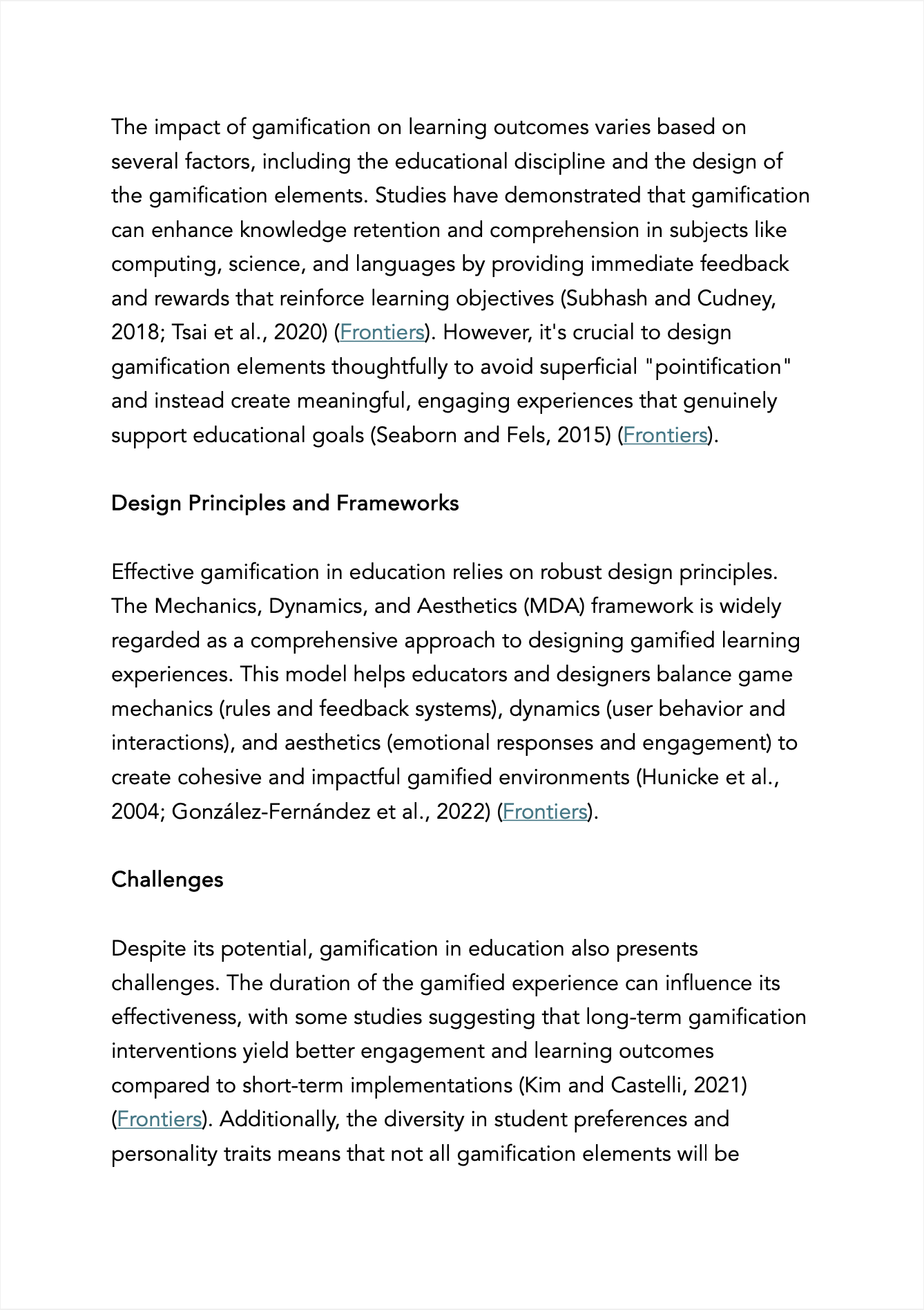
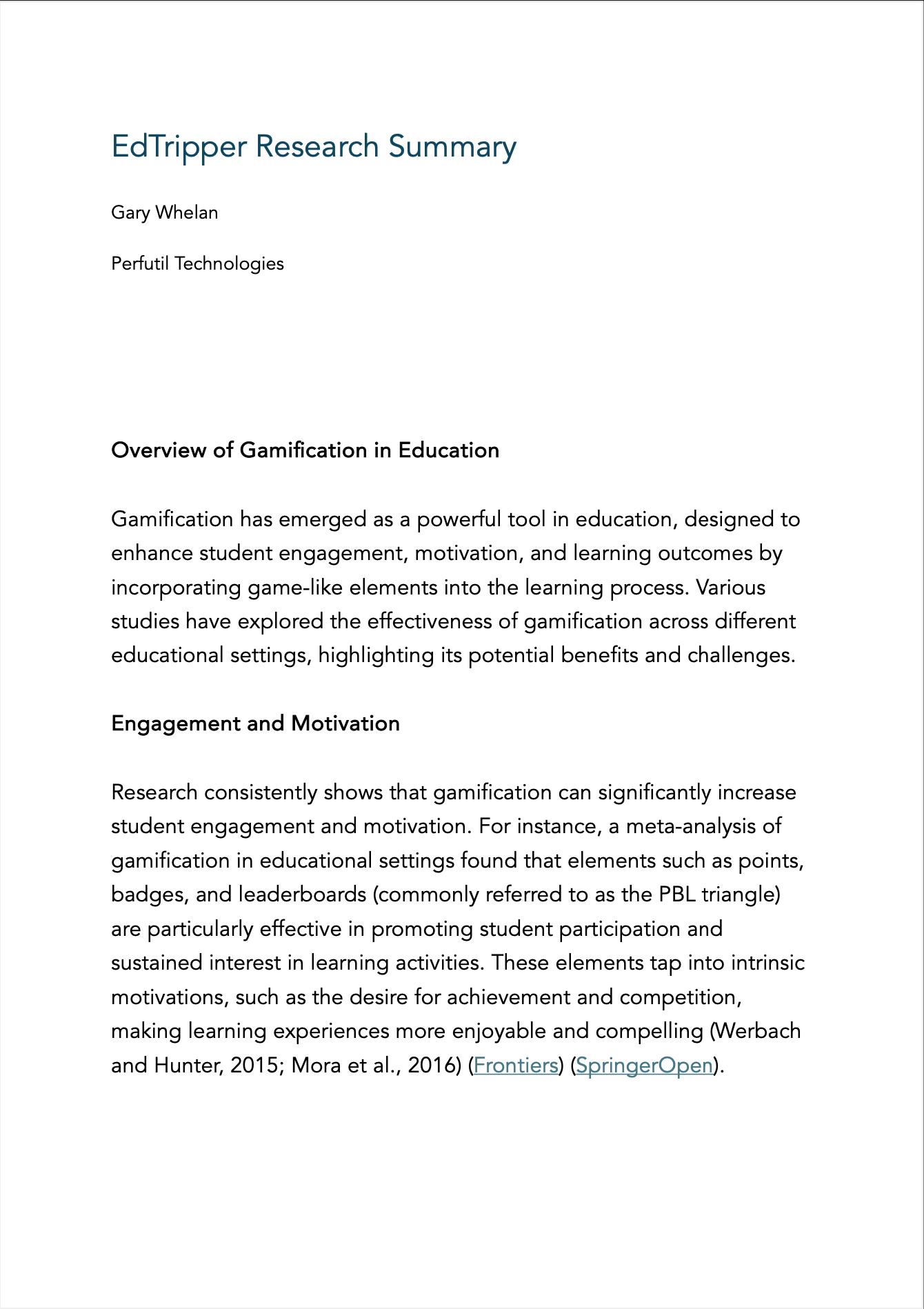
We reviewed academic research on student engagement, conducted in-depth interviews with educators, and surveyed over 30 teachers. Competitive analysis mapped existing tools' features and shortcomings. Evaluation sessions with products in a similar space pinpointed friction through heuristic evaluation.
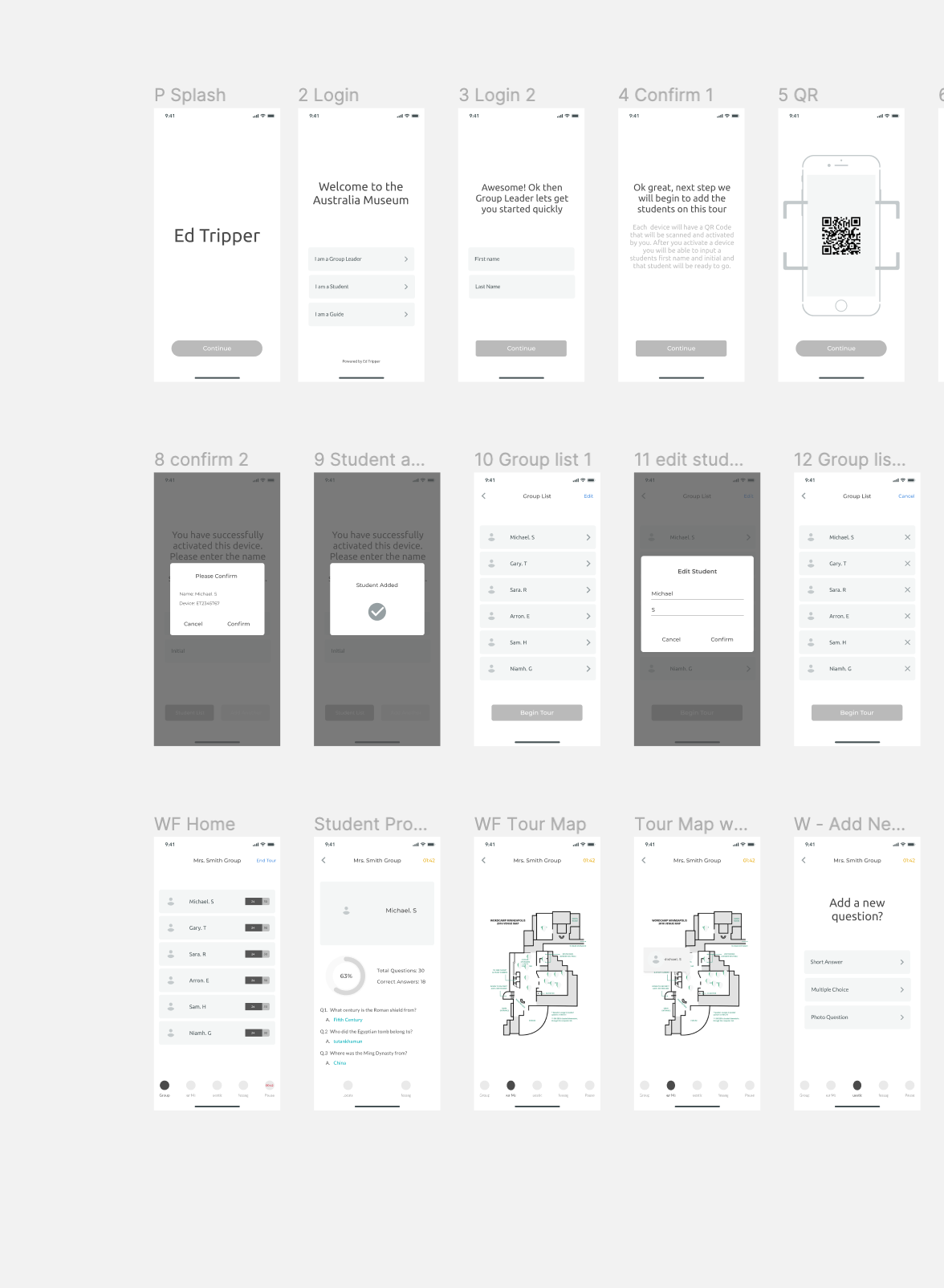
The final product — frictionless for teachers, engaging for students.
The interface had to be frictionless and helpful for teachers while engaging young students in a fun, exciting way. Testing and iteration with different end-user types returned positive signals that we hit the balance — helpful oversight for educators, engaging participation for students on the trip.
Technology in fashion retail.
How mobile UX in retail is changing — and what that means for customer experience.